
The 10.1 HMI display has emerged as the undisputed”sweet spot”in industrial automation.Offering a perfect balance between screen real estate and cabinet space,it has become the standard configuration for human-machine interfaces across factories,self-service terminals,and smart devices worldwide.
But what exactly makes the 10.1 HMI display the go-to choice for system integrators and plant managers?And what should you look for when specifying one for your next project?This guide answers the most frequently searched questions about 10.1 HMI display solutions.
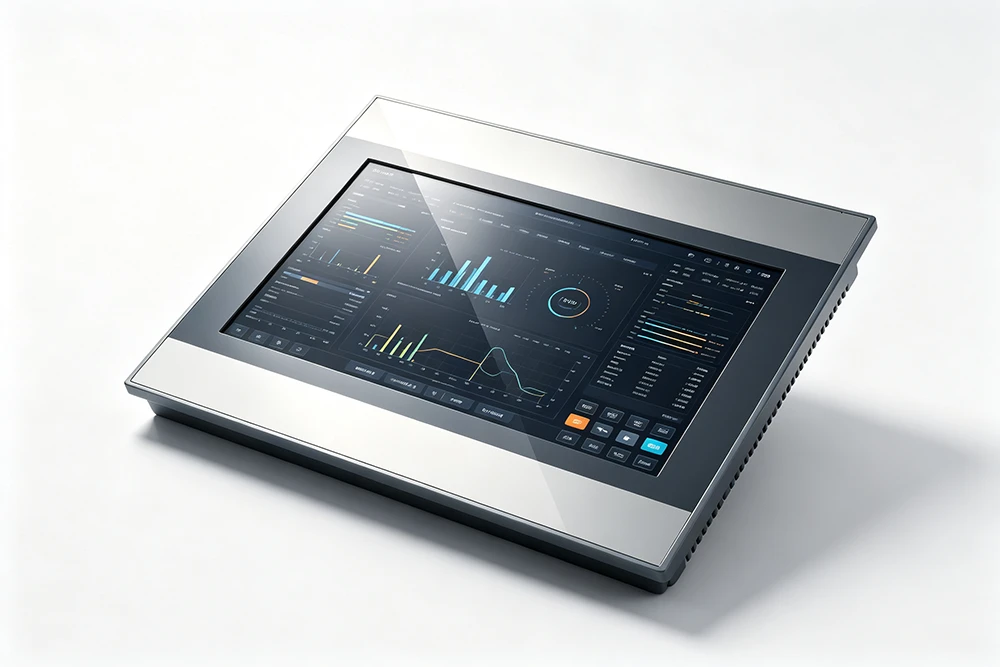
Why Choose a 10.1 HMI Display Over Other Sizes?
Compared to a 7-inch screen,a 10.1 HMI display offers significantly more room for UI layout,more precise touch operation,and more complete information display.Against a 15-inch display,it provides better integration flexibility and cost advantages.This makes the 10.1 HMI display the”golden size”for industrial control panels,kiosks,and operator terminals.
The most common resolutions for a 10.1 HMI display are 1280×800(WXGA)for mainstream applications and 1920×1200 for high-end use cases.Many premium models also offer Full HD(1920×1080)resolution.
Key Specifications to Evaluate
When selecting a 10.1 HMI display,consider these critical parameters:
Brightness and Readability
Standard 10.1 HMI display models offer 350–500 cd/m²brightness.For outdoor or high-ambient-light environments,sunlight-readable versions provide 700–1000 cd/m²or higher.Optical bonding—a feature where the touch panel is laminated directly to the LCD—significantly improves readability and sealing.
Touch Technology
Projected Capacitive(PCAP):Offers multi-touch,smartphone-like experience.Ideal for modern SCADA software with pinch-to-zoom gestures.
Resistive:Pressure-sensitive,works with gloved hands or styluses.Better suited for harsh environments where operators wear thick work gloves.
Environmental Protection
Most industrial 10.1 HMI display units feature IP65 front protection—completely dust-tight and resistant to low-pressure water jets.More rugged models offer IP66 or IP69K for washdown environments.
Operating Temperature
Industrial-grade 10.1 HMI display panels typically support-20°C to+70°C operation,ensuring reliable performance in extreme conditions.
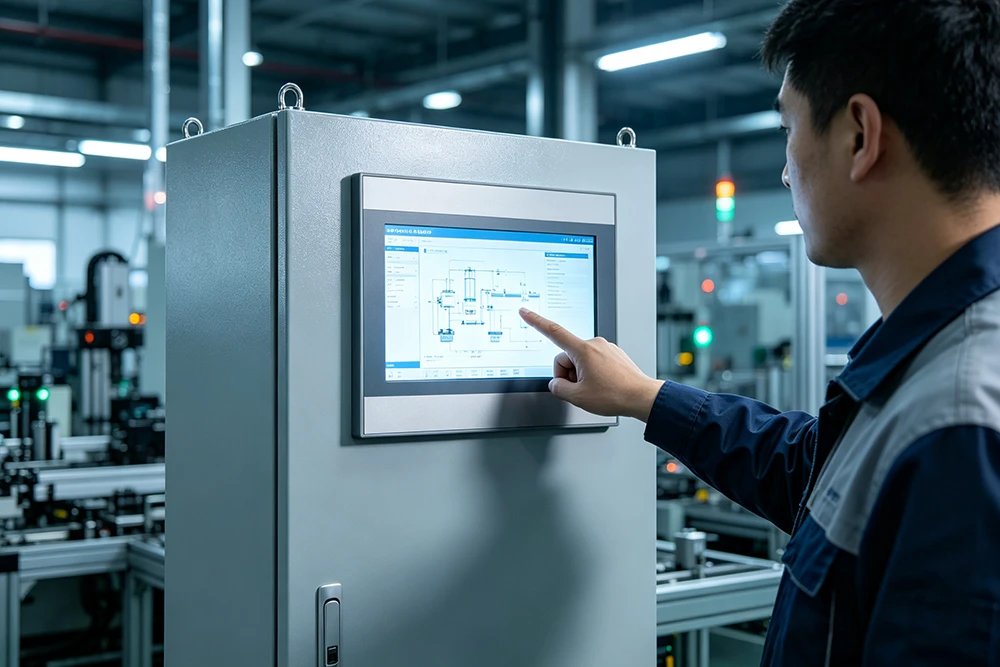
Frequently Asked Questions About 10.1 HMI Displays
- Q:What software do I need for a 10.1 HMI display?
- Most 10.1 HMI display manufacturers provide free configuration software.For example,EBPro supports over 300 PLC and controller protocols,ensuring seamless integration.Many platforms also support Windows,Linux,and Android operating systems.
- Q:How do I mount a 10.1 HMI display?
- A 10.1 HMI display can be mounted in multiple ways:panel mount(flush with the enclosure),VESA mount,or open-frame installation.For flush mounting,precise cutout calculation is critical—typically requiring a tolerance of±0.1mm.
- Q:Can a 10.1 HMI display work outdoors?
- Yes—if you choose a sunlight-readable 10.1 HMI display with high brightness(800+cd/m²),optical bonding,and wide operating temperature range.
- Q:What’s the difference between PCAP and resistive touch on a 10.1 HMI display?
- PCAP enables multi-touch gestures and offers superior image quality,while resistive touch works with gloves and provides greater precision for stylus-based operation.
Final Thoughts
The 10.1 HMI display has rightfully earned its place as the industry standard for industrial automation,kiosk applications,and smart devices.Whether you’re upgrading legacy equipment or building new control systems,specifying the right 10.1 HMI display—with the correct brightness,touch technology,and environmental protection—ensures long-term reliability and operator satisfaction.
Looking for the perfect 10.1 HMI display for your application?Evaluate your environment,map requirements to specifications,and always request samples before finalizing your design.